The PDF Invoice That Installed Ransomware (Part 1)
July 30, 2026
Com 0
By Jackson Godwin. Cybersecurity Analyst & Penetration Tester
The PDF Invoice That Installed Ransomware
Disclaimer:This story is fictional but inspired by real ransomware campaigns that use fake invoices, malicious email attachments and phishing attacks. It is written to educate readers about cybersecurity awareness and safe email practices.
It Looked Like an Ordinary Workday
Monday mornings were always busy.
By 9:00 a.m., my inbox already contained dozens of emails.
The email appeared to come from one of our regular suppliers.
The company logo was there.
The signature looked professional.
Even the email formatting matched previous invoices I had received.
The message was short.
“Please find the attached invoice. Kindly process payment today to avoid service interruption.”
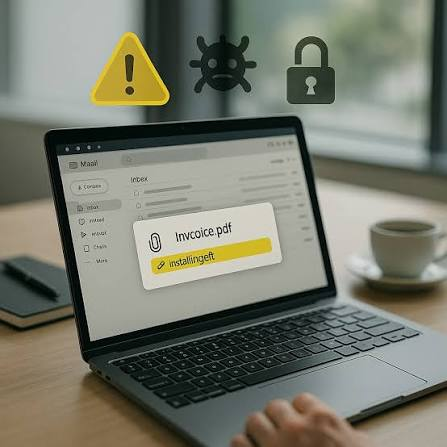
Attached to the email was a file named:
Invoice_78431.pdf
Nothing about it looked suspicious.
I Opened the PDF
The document opened without any warning.
At first glance, it looked like a genuine invoice.
It displayed:
Company details.
Invoice number.
Product descriptions.
Payment amount.
Everything appeared normal.
Then something unusual happened.
The PDF displayed a message.
“This document was created using a newer version of Adobe Reader. Click Enable Content to display the full invoice.”
Without thinking much about it, I followed the instruction.
Nothing Happened
The document stayed blank.
I assumed the file was corrupted.
I closed it.
Moved on to another task.
Completely unaware that something had already started running in the background.
My Computer Became Slower
About fifteen minutes later, I noticed my computer behaving strangely.
Applications took longer to open.
The fan became unusually loud.
Files were slow to load.
I blamed Windows updates.
Then things became worse.
My Documents Started Disappearing
I opened a project folder.
Several files wouldn’t open.
Others had strange names.
Some documents suddenly displayed unfamiliar extensions I had never seen before.
I refreshed the folder.
More files changed.
Panic began to set in.
Then the Screen Changed
Suddenly, a text file appeared on my desktop.
A few seconds later, my wallpaper changed.
Instead of my usual background, a black screen appeared with bright red text.
The message read:
“Your files have been encrypted.”
Below it was another sentence that made my heart race.
“Pay within 72 hours or lose your data forever.”
Only then did I realise…
The PDF invoice didn’t contain an invoice.
It had delivered ransomware.
(Continue in Part 2, where I’ll explain how the ransomware spread through my computer, reveal what the attackers demanded, and show the mistakes that allowed the infection to happen.)