The Google Maps Listing That Led Me to a Scammer (Part 3)
July 30, 2026
Com 0
By Jackson Godwin. Cybersecurity Analyst & Penetration Tester
The Fake Listing Was Finally Removed
A few weeks after reporting the incident, I searched for the business again.
The fake Google Maps listing had disappeared.
Whether it was removed because of customer complaints or platform moderation, I couldn’t be sure.
Unfortunately, the real repair shop told me this wasn’t the first time it had happened.
And it probably wouldn’t be the last.
Cybercriminals can create new fake listings almost as quickly as old ones are removed.
Why Fake Business Listings Work
The cybersecurity investigator explained why these scams are so effective.
People naturally trust services that appear on popular platforms.
When we see:
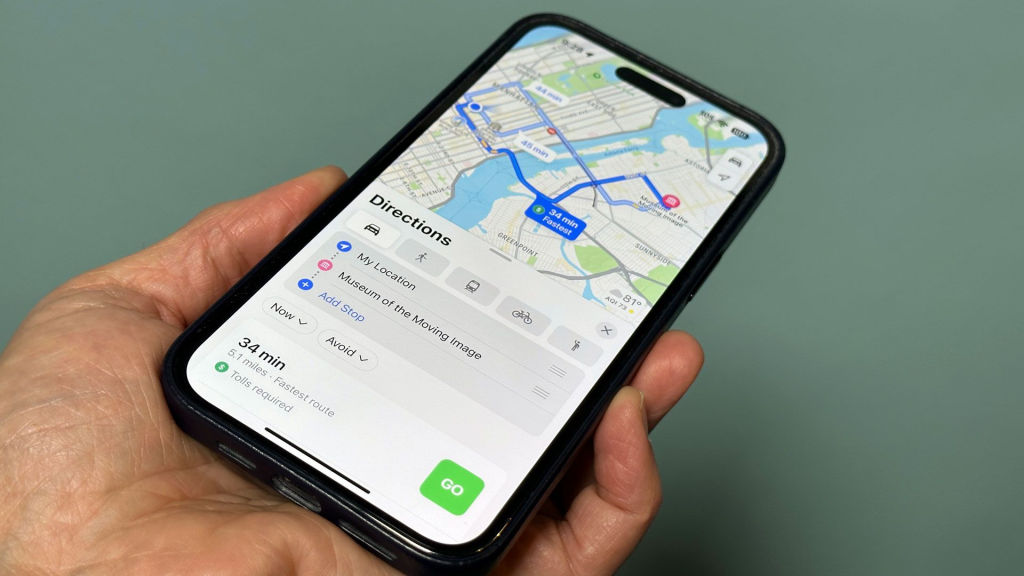
A familiar map.
Hundreds of reviews.
High ratings.
Professional photos.
We often assume someone else has already verified the business.
Scammers exploit that trust.
They’re not hacking Google Maps.
They’re manipulating the information people rely on.
The Remote Access Trick
The investigator also explained the purpose of the remote support software.
Many remote access tools are legitimate when used by trusted businesses.
The danger comes from who controls the session.
Once victims grant remote access, criminals may attempt to:
View personal files.
Install malicious software.
Observe passwords being entered.
Encourage victims to log into online banking.
Manipulate victims into approving payments.
The software isn’t necessarily the problem.
Giving control to an untrusted person is.
Warning Signs of Fake Google Maps Listings
Looking back, the warning signs were there.
🚩 Too Many Perfect Reviews
Hundreds of five-star reviews aren’t automatically suspicious.
But if many reviews sound nearly identical or appear to have been posted around the same time, investigate further.
🚩 No Physical Visit Allowed
If a local business refuses to let customers visit while claiming to be open, ask questions.
A legitimate explanation may exist, but it deserves verification.
🚩 Pressure to Install Remote Access Software
Remote support can be legitimate.
However, be cautious if someone you’ve never met pressures you to install software immediately—especially before properly diagnosing the problem.
🚩 Requests to Open Banking Apps
A computer repair technician should rarely need you to log into your online banking during a support session.
Treat such requests as a major warning sign.
🚩 Different Contact Information Across Websites
Compare phone numbers, addresses and websites using multiple trusted sources.
Large differences may indicate that something is wrong.
How to Protect Yourself
When searching for local businesses online:
Visit the company’s official website whenever possible.
Compare phone numbers across multiple trusted sources.
Read both positive and negative reviews.
Be cautious of businesses that insist on remote access before discussing the problem.
Never log into banking or financial accounts while an unknown person has remote access to your device.
If something feels rushed or unusual, stop and verify independently.
Trust should be earned—not assumed because a business appears on a map.
Frequently Asked Questions
Can fake businesses really appear on Google Maps?
Yes.
Fraudulent or misleading listings have been reported on many online mapping platforms.
Platforms work to detect and remove them, but users should still verify businesses before sharing sensitive information or making payments.
Is remote support always dangerous?
No.
Many legitimate companies use remote support to help customers.
The important question is whether you trust the organisation providing the support and whether you contacted them through official channels.
How can I verify a local business?
Use multiple sources.
Check the official website, compare contact details, read a range of reviews and, if possible, contact the business directly using verified information.
Final Thoughts
I didn’t almost lose my money because I downloaded malware.
I almost lost it because I trusted the wrong business.
The map looked real.
The reviews looked real.
The technician sounded professional.
But none of those things proved the business was genuine.
Cybersecurity isn’t just about protecting computers.
It’s also about verifying people, businesses and information before placing your trust in them.
The next time you search for a local service online, remember one simple rule:
A business listing can be created. Trust must be verified.
That extra minute of verification could save your computer, your personal information—and your bank account.
About the Author
Jackson Godwin is a Cybersecurity Consultant specialising in Vulnerability Assessment and Penetration Testing (VAPT), Governance, Risk and Compliance (GRC), ISO/IEC 27001, PCI DSS, Cloud Security, AI Security, and Digital Risk Management.
Through JacksonTechnology.com.ng, he publishes cybersecurity awareness stories, ethical hacking tutorials, compliance guides, and practical online safety advice to help individuals and organisations recognise cyber threats, avoid digital scams, and stay secure in today’s connected world.
His mission is to make cybersecurity practical, relatable, and accessible—one cyberstory at a time.