
By Jackson Godwin. Cybersecurity Analyst & Penetration Tester
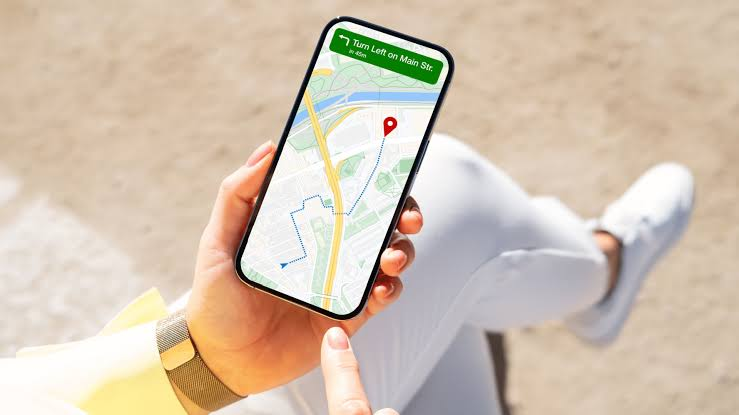
The Google Maps Listing That Led Me to a Scammer
Disclaimer: This story is fictional but inspired by real cases involving fake Google Maps business listings, impersonation scams and online fraud. It is written to educate readers about digital safety and cybersecurity awareness.
I Needed Help Fast
It was Saturday morning when my laptop suddenly refused to start.
I had an important presentation on Monday.
Waiting several days for repairs wasn’t an option.
I grabbed my phone and searched:
“Laptop repair shop near me.”
Google Maps displayed several nearby businesses.
One listing immediately stood out.
It had:
- ⭐ 4.9-star rating.
- More than 800 reviews.
- “Open Now.”
- A phone number.
- Professional photos of the shop.
It looked like the obvious choice.
The Man Answered Immediately
I tapped the phone number.
A man answered after the first ring.
He sounded professional.
He introduced himself as the store manager.
When I explained the laptop problem, he confidently replied:
“We’ve fixed hundreds of cases like yours.”
His confidence reassured me.
Then he offered something even better.
He Said I Didn’t Need to Visit the Shop
Instead of bringing my laptop to the store, he suggested a faster solution.
“Our senior technician can diagnose the problem remotely.”
That sounded convenient.
He sent me a link through WhatsApp.
The message explained that installing the software would allow the technician to inspect my computer.
I had heard of legitimate remote support tools before.
So I didn’t immediately question it.
Something Felt Rushed
The technician urged me to install the software quickly.
“If we start now, we can have your laptop working within 20 minutes.”
Everything suddenly felt urgent.
He didn’t ask many questions about the laptop.
He just wanted me to install the program as soon as possible.
I Opened the Google Maps Listing Again
While the software downloaded, I looked at the business listing one more time.
At first, everything seemed normal.
Then I noticed something strange.
Many of the reviews sounded almost identical.
Several reviewers had only written one review in their entire account history.
Some profile pictures looked suspiciously artificial.
The more I looked, the less genuine the listing appeared.
Then He Asked Me to Open My Banking App
The technician explained that before the remote session could begin, a refundable diagnostic deposit was required.
He asked me to:
- Open my banking app.
- Approve a payment.
- Keep the remote support software running.
That request immediately made me uncomfortable.
Why would a laptop repair shop need access to my computer while I logged into my bank?
At that moment, I realised I might not be talking to a repair technician at all.
I might be talking to a scammer hiding behind a fake Google Maps listing.
(Continue in Part 2, where I’ll explain what happened after I questioned the technician, reveal how fake business listings deceive thousands of people, and show the warning signs I almost ignored.)