By Jackson Godwin.Cybersecurity & Penetration Testing .
In Part 1, we discovered how what appeared to be a free antivirus program was actually malware disguised as security software. Unfortunately, this type of scam is more common than many people realize.
Let’s look at how these fake antivirus programs work and why they continue to fool thousands of people every year.
How Fake Antivirus Scams Trick People
Cybercriminals understand that most people want to protect their computers.
Instead of exploiting that concern directly, they pretend to offer a solution.
Their websites often include:
- Professional-looking logos
- Fake awards
- “Verified” security badges
- Download counters showing millions of users
- Positive customer reviews
- Fake technology news articles
Some even copy the appearance of legitimate cybersecurity companies.
Unless you know what to look for, it can be extremely difficult to tell the difference.
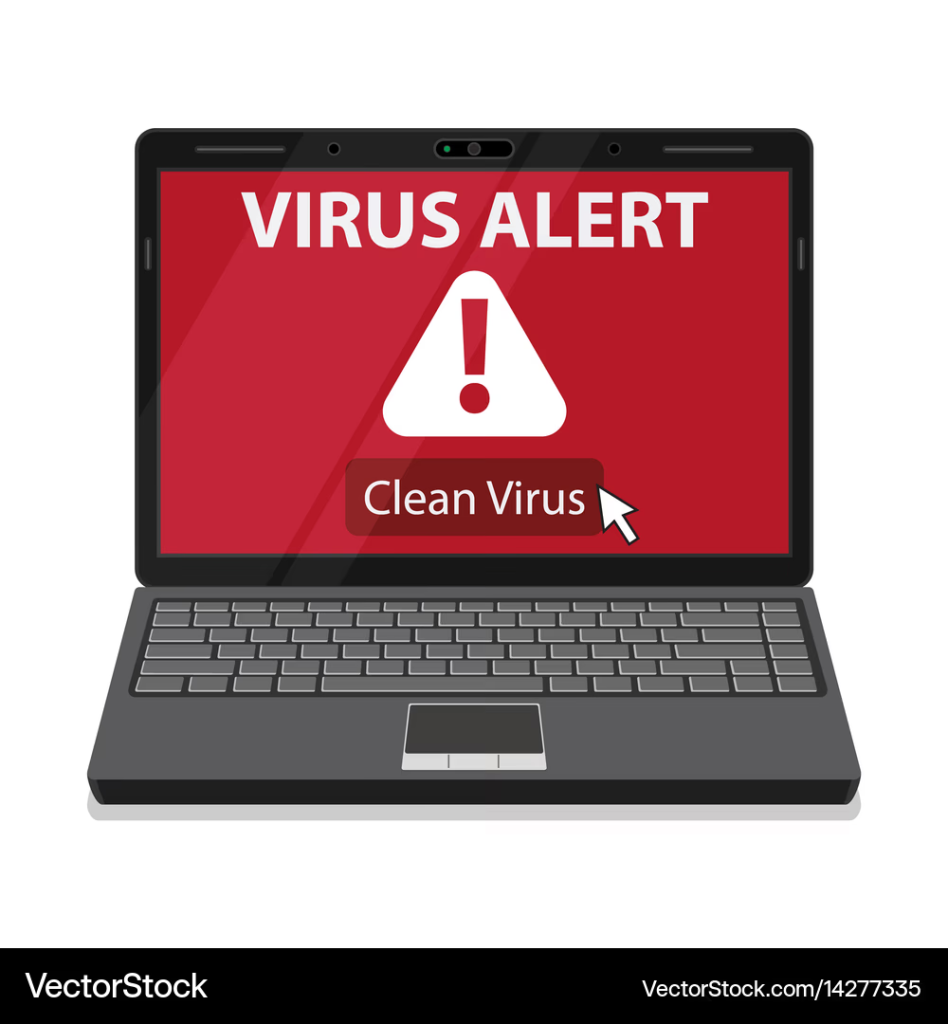
Fake Virus Scans
One of the biggest warning signs is the fake virus scan.
Immediately after installation, the software appears to scan your computer.
Within seconds it claims to find hundreds—or even thousands—of infections.
Examples include:
- Banking Trojans
- Spyware
- Worms
- Ransomware
- Password stealers
In reality, the program usually performs little or no actual scanning.
The results are pre-programmed to scare victims.
The Fear Tactic
Cybercriminals know fear influences decision-making.
That’s why fake antivirus programs display messages such as:
- “Your computer is critically infected.”
- “Hackers are stealing your passwords.”
- “Your files are in danger.”
- “Immediate action required.”
- “Windows security has been compromised.”
These warnings are designed to create panic so users will purchase the fake “premium” version or unknowingly install additional malware.
They May Install More Malware
Many rogue antivirus programs are only the beginning.
Once installed, they often download additional malicious software without the user’s knowledge.
This may include:
- Password stealers
- Keyloggers
- Banking Trojans
- Remote access malware
- Cryptocurrency miners
- Ransomware
The longer the fake antivirus remains on a computer, the greater the potential damage.
Information Criminals Want
Cybercriminals aren’t usually interested in slowing down your computer.
They’re interested in valuable information.
Common targets include:
- Email addresses
- Passwords
- Banking credentials
- Cryptocurrency wallets
- Credit card information
- Saved browser passwords
- Personal documents
- Business files
Some malware can even collect browser cookies, allowing attackers to hijack logged-in sessions without knowing your password.
Warning Signs of Fake Antivirus Software
Knowing the warning signs can help you avoid becoming a victim.
Watch out for software that:
- Claims your computer is infected before you’ve installed it.
- Finds hundreds of viruses within seconds.
- Constantly displays frightening pop-ups.
- Demands immediate payment to remove threats.
- Prevents you from closing warning windows.
- Redirects your browser to unfamiliar websites.
- Installs additional software without asking.
- Was downloaded from an unknown website instead of the developer’s official site.
If several of these signs appear together, there’s a strong chance the software is malicious.
My Computer Became Slower Every Day
As the days passed, my laptop became increasingly difficult to use.
Programs opened slowly.
The cooling fan ran constantly.
The browser crashed unexpectedly.
Sometimes new windows appeared even when I wasn’t using the internet.
At first, I blamed the computer itself.
I thought it was simply getting old.
In reality, the malware was consuming system resources while secretly running in the background.
Getting Professional Help
Eventually, I stopped trying to fix the problem myself.
A cybersecurity professional examined the computer.
The investigation revealed multiple malicious components that had been installed by the fake antivirus.
Several browser settings had been modified.
Unknown startup programs had been added.
Suspicious network connections were running continuously.
Fortunately, because I sought help relatively quickly, the damage was limited.
Had I ignored the warning signs for longer, the consequences could have been much worse.
Coming Up in Part 3
In the final part, you’ll learn:
- How to safely download legitimate antivirus software
- What to do if you’ve installed fake antivirus software
- Best practices to protect yourself from malware
- Key cybersecurity lessons from this experience
- Frequently Asked Questions
- Final Thought