By Jackson Godwin. Cybersecurity Analyst & Penetration Tester.
I Asked for the Shop’s Address
Before installing the remote access software, I asked the technician a simple question.
“Can I just bring my laptop to your shop instead?”
There was a short pause.
Then he replied:
“Our physical office is currently under renovation.”
That sounded strange.
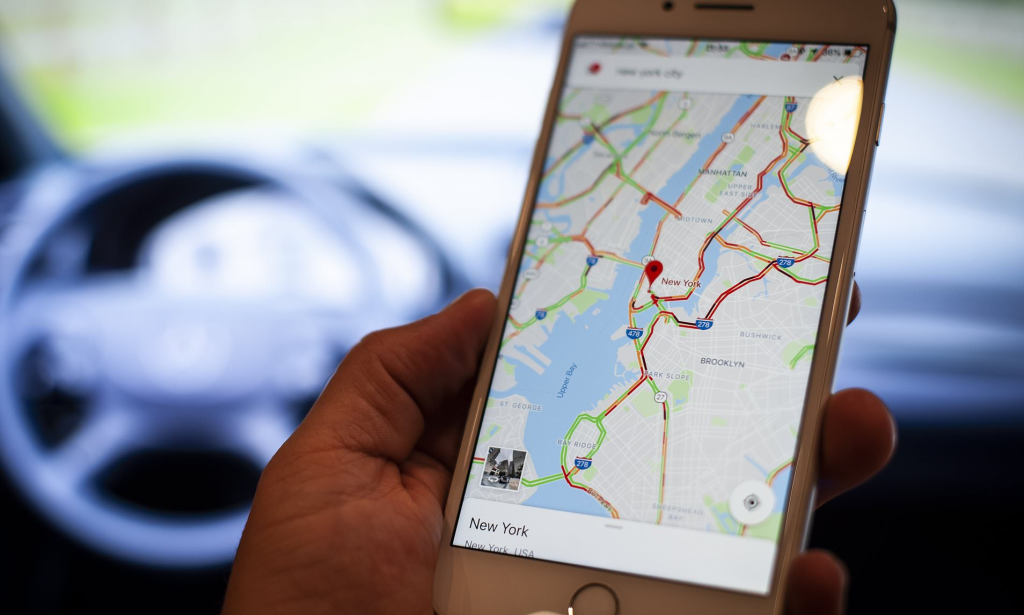
The Google Maps listing clearly showed the business as Open Now.
If the shop was open, why couldn’t I visit?
He Tried to Keep Me on the Phone
Instead of answering more questions, he kept returning to the same instruction.
“Please install the software first.”
“We’ll explain everything afterwards.”
Every conversation led back to one goal.
Getting remote access to my computer.
The urgency made me even more suspicious.
I Checked the Reviews More Carefully
This time, I opened several customer profiles.
Something didn’t add up.
Many reviewers had:
- Only one review on their account.
- No profile photo—or AI-generated-looking profile pictures.
- Very similar writing styles.
- Reviews posted within a short time frame.
It looked less like genuine customer feedback and more like manufactured trust.
I Searched the Business Name
Instead of relying on Google Maps alone, I searched the company’s name online.
The results surprised me.
I found:
- A different phone number on another website.
- A different address.
- Complaints from people claiming they had been asked to install remote access software.
- Warnings about fake technicians requesting upfront payments.
The listing I had called wasn’t the real business.
Someone had created a fraudulent listing using the company’s name.
I Ended the Call
When I told the technician I wanted to visit the shop in person, his tone changed immediately.
He became impatient.
Then he warned me:
“If you don’t complete verification today, the discount will expire.”
That confirmed everything.
Real repair shops don’t pressure customers into giving remote access or making rushed payments.
I ended the call.
Blocked the number.
Deleted the WhatsApp conversation.
I Contacted the Real Business
Using the official phone number listed on the company’s own website, I called the actual repair shop.
The receptionist sighed before I had even finished explaining.
She told me they had received similar complaints for months.
Criminals had copied their business name and created fake listings to trick customers into calling them instead.
They were already working to report the fraudulent listings.
The Goal Was Never to Repair My Laptop
The fake technician had no interest in fixing computers.
The real objective was much more valuable.
He wanted:
- Remote access to my device.
- My online banking session.
- A payment disguised as a diagnostic fee.
Once remote access and banking information came together, stealing money would have become much easier.
I Escaped Just in Time
The longer I thought about it, the more I realised how close I had come.
One click on that remote access software could have given a stranger control over my computer.
One banking login could have exposed my finances.
A fake Google Maps listing had almost become the doorway to a much larger cybercrime.
In the final part of this story, I’ll explain how fake business listings work, reveal practical ways to verify businesses online, and share simple habits that can help you avoid becoming the next victim.
Continue Reading: The Google Maps Listing That Led Me to a Scammer (Part 3)