
By Jackson Godwin. Cybersecurity Analyst & Penetration Tester.
Disclaimer
These DNS enumeration tools are intended for authorized security assessments and bug bounty use only. Unauthorized reconnaissance is illegal. Users are fully responsible for their actions and must comply with all applicable laws and program policies.
Hey everyone! Today, we’re putting together a list of DNS enumeration tools in Kali Linux that are perfect for bug bounty hunting. Some are already pre-installed, and for the rest, a simple apt-get command will get them up and running. Let’s get started!

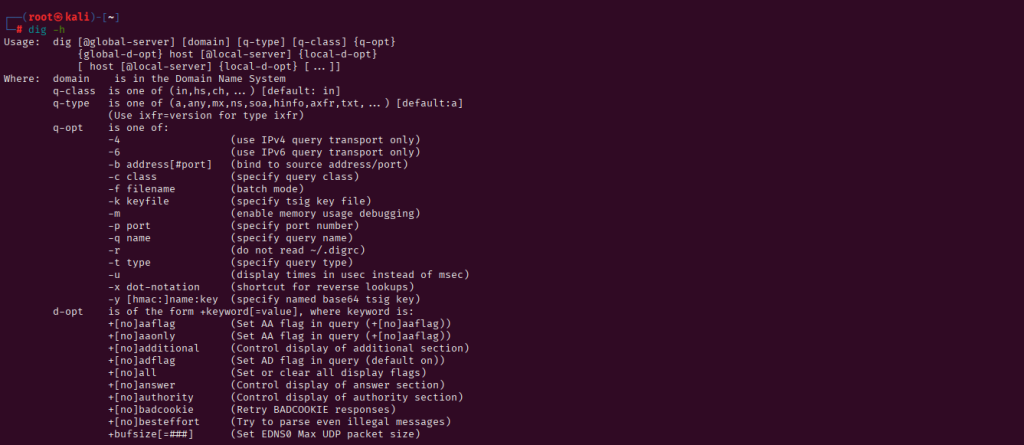
So let’s take some examples now and know whether it really provides accurate results or not? We take any target and put its url here and within a few seconds it successfully dumps all the records as well as the correct IP address of that web address.
Usage !! dig < target URL >

Grab Exact Output
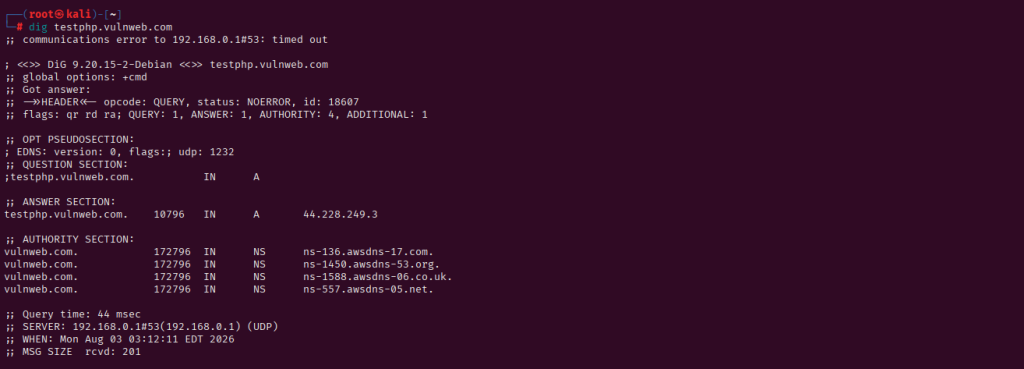
There are several filters available in this tool, with some of the most useful commands being “short” and “noall”. Both command are very useful for only obtains reverse lookup.

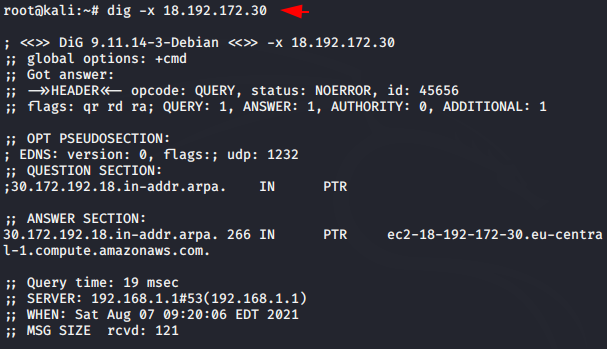
Dot Notation
It’s used for shortcut of reverse lookup and obtains annotated results.

Nslookup Tool
Nslookup is a network administration command-line tool for querying the Domain Name System to obtain the mapping between domain name and IP address, or other DNS records. As you can see when we enter the web address it automatically shows us the IP address of the web address.


Dump Records
Also we can get only specific records of any domain with below commands.

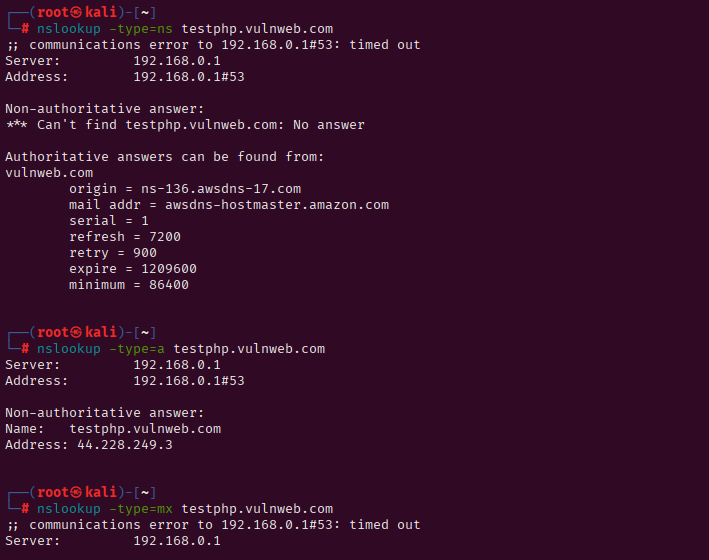
Dnsrecon and Dnstracer
Both the tools are useful to get DNS records of any domain and even both are very easy to operate. But the bad thing is that we have to install these tools by “apt-get” command as it is not pre-installed so let’s configure it first using below command.

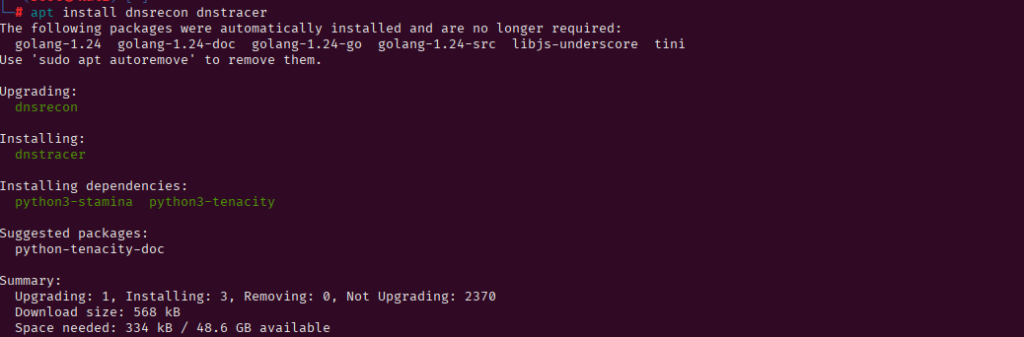
Dnsrecon
DNS reconnaissance is part of the information gathering phase of hacking or penetration testing because sometimes attackers can easily use such tools to grab subdomains of organizations and host their own phishing pages. So we can check all our DNS records at once through this tool to protect us from hackers,
Dnstracer
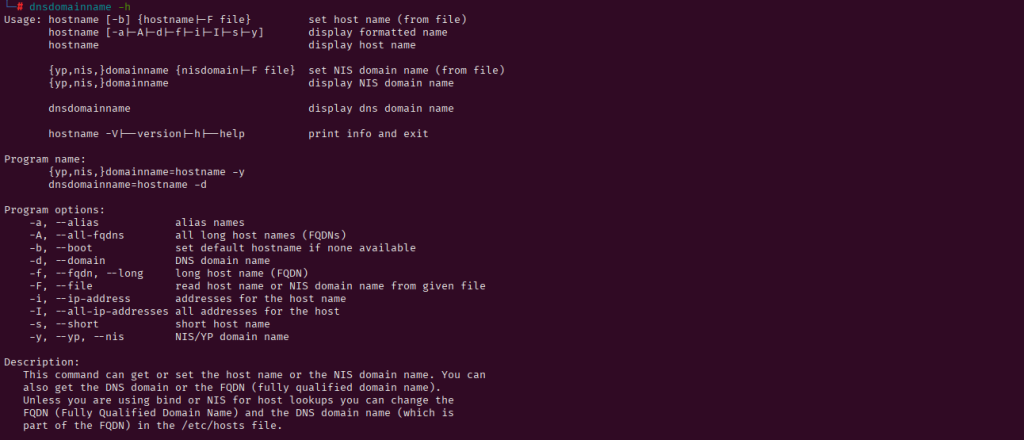
Dnstracer determines where a given Domain Name Server (DNS) gets its information from for a given hostname, and follows the chain of DNS servers back to the authoritative answer. We can trace dns records vwith the help of this tool.
About the Author
Jackson Godwin is a Cybersecurity Consultant specializing in Vulnerability Assessment and Penetration Testing (VAPT), Governance, Risk and Compliance (GRC), Information Security, and Enterprise Security Assessments. He has experience assessing web applications, banking systems, and enterprise environments to identify security vulnerabilities and improve organizational resilience.
Through JacksonTechnology.com.ng, Jackson shares practical cybersecurity tutorials, penetration testing guides, compliance resources, and career advice to help professionals and businesses strengthen their cybersecurity posture.