



By Jackson Godwin. Cybersecurity Analyst & Penetration Tester.
The QR Code on the Restaurant Table Was Fake
Disclaimer: This story is fictional but inspired by real QR code phishing (“quishing”) scams reported in restaurants, cafés and public places. It is written to educate readers about recognising malicious QR codes and protecting personal information.
It Started With Dinner
After a long day at work, I decided to have dinner at a popular restaurant.
The place was busy.
Families were laughing.
Friends were chatting.
The atmosphere felt relaxed.
As I sat down, I noticed there were no printed menus on the table.
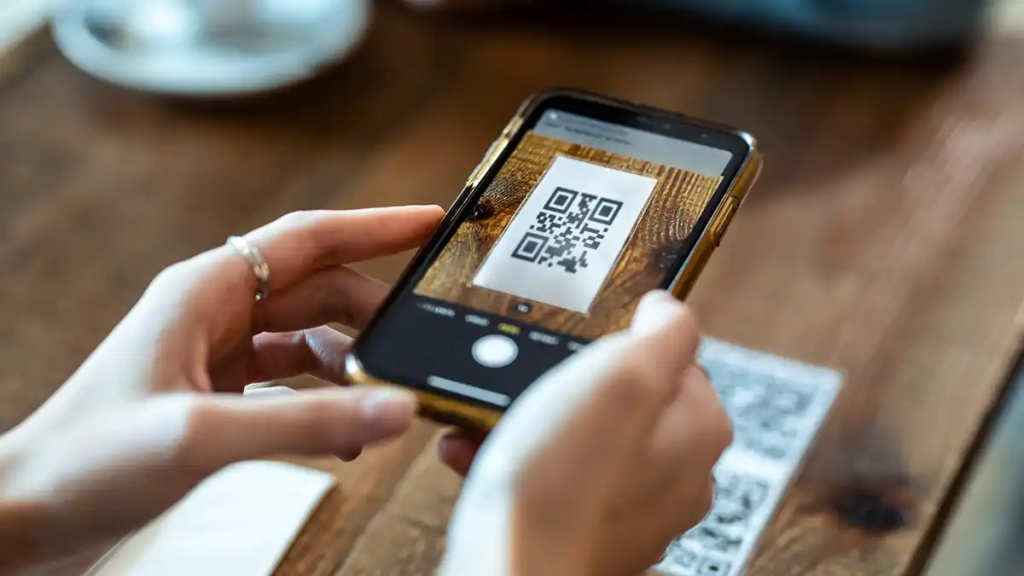
Instead, there was a small stand with a QR code.
Underneath it were the words:
“Scan Here to View Our Digital Menu.”
It looked completely normal.
Everyone Else Was Scanning It
I looked around the restaurant.
Several customers were pointing their phones at identical QR codes.
Nobody seemed concerned.
Nobody questioned it.
In fact, digital menus have become common in many restaurants.
Without thinking too much, I picked up my phone and opened my camera.
The Website Opened Immediately
Within seconds, the QR code redirected me to a webpage.
The restaurant’s logo appeared at the top.
The colours matched the branding inside the building.
There were photos of meals.
Prices.
Special offers.
Everything looked exactly like a legitimate digital menu.
I had no reason to suspect anything was wrong.
Then Something Unexpected Appeared
Before I could browse the menu, a message popped up.
“Please verify your device before accessing today’s menu.”
Below the message was a button labelled:
Continue
That seemed unusual.
Why would I need to verify my phone just to read a menu?
Still, curiosity almost got the better of me.
The Website Asked Me to Sign In
After tapping Continue, another page appeared.
It offered several login options.
- Apple
The page explained that signing in would allow me to:
- Save favourite meals.
- Place orders faster.
- Receive discounts.
Everything sounded reasonable.
Many websites offer similar features.
But something didn’t feel right.
I Looked Around Again
Out of curiosity, I watched another customer scan the QR code at a nearby table.
Their phone displayed a completely different webpage.
They were already browsing the menu.
No login screen.
No verification page.
No sign-in request.
That immediately caught my attention.
How could two identical QR codes lead to different websites?
I Examined My QR Code More Closely
I leaned forward and looked carefully at the QR code on my table.
That’s when I noticed something unusual.
A small sticker had been placed over the original QR code.
It matched almost perfectly.
Unless you looked very closely, you would never notice it had been covered.
Someone had placed a fake QR code on top of the restaurant’s genuine one.
I Alerted the Restaurant Staff
I called one of the employees and showed them what I had found.
They carefully peeled back the sticker.
Underneath it was the restaurant’s original QR code.
The fake one had been placed directly over it.
The manager was shocked.
They immediately checked the other tables.
Several of them had been tampered with.
If I had continued to the fake website and entered my login credentials, I might have unknowingly handed them to criminals.
Sometimes, the most dangerous scams aren’t hidden online.
They’re sitting right in front of you on a restaurant table.
(Continue in Part 2, where I’ll explain how fake QR code scams—also known as “quishing”—work, reveal what criminals hope to steal, and show why a tiny sticker nearly turned a simple dinner into a cybersecurity incident.)
