Zphisher – Automated Phishing Tool (Educational Use Only)
July 11, 2026
Com 0
By Jackson Godwin. Cybersecurity Analyst & Penetration Tester.
Educational Purpose Only: This article is for ethical security testing and awareness training only. Zphisher should only be used on systems you own or have explicit written permission to test. Unauthorized phishing attempts are illegal and punishable by law.
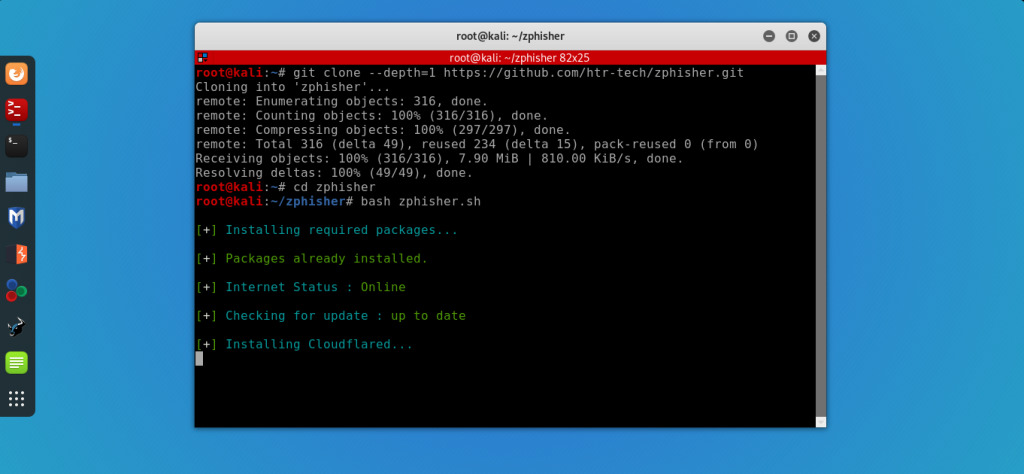
Hey Folks, in this tutorial, we are going to talk about another new phishing tool named “Zphisher“. Zphisher is an open source tool, originally designed to carry out phishing attacks through social engineering, with 30 different-2 types of phishing pages through which you can obtain the credentials of a social media account
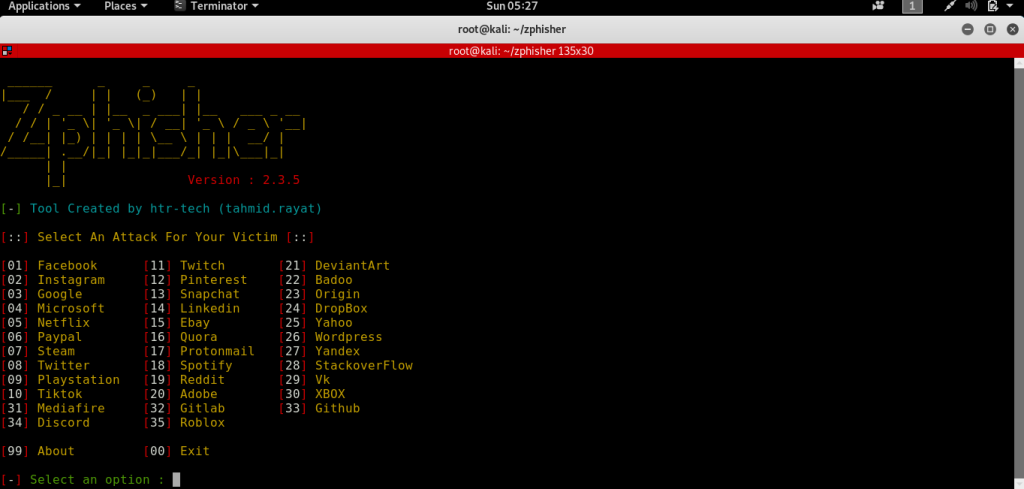
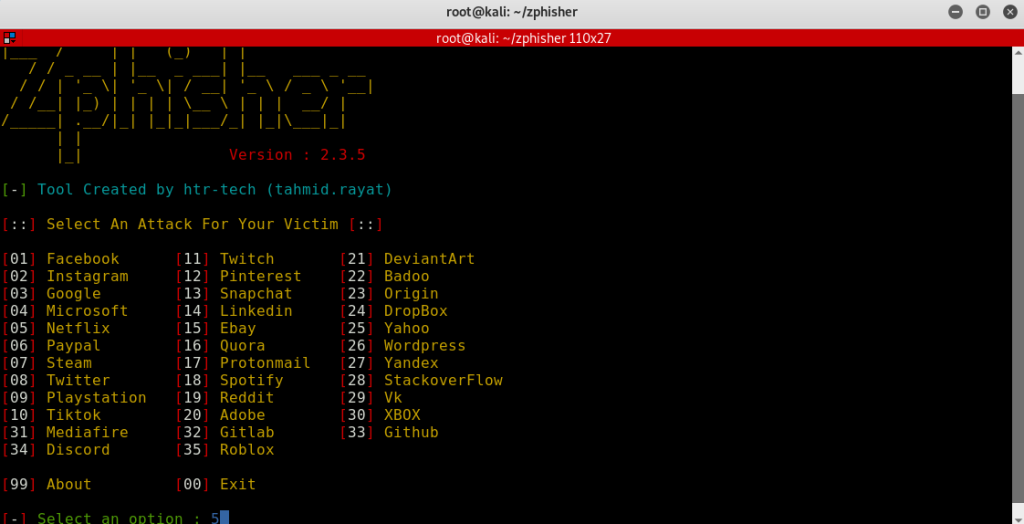
Hmm !! After booting the tool, it will look like the image below, where you can select any phishing template
Thus, you can select a phishing template and obtain the credentials of victim accounts by carrying out phishing attacks.
How to Prevent Phishing Attacks
Organizations and individuals can significantly reduce the risk of phishing attacks by adopting the following best practices:
Verify the sender’s email address before clicking links or opening attachments.
Enable Multi-Factor Authentication (MFA) on all important accounts.
Avoid entering credentials through links received in unsolicited emails or messages.
Keep operating systems, browsers, and security software updated.
Conduct regular cybersecurity awareness training for employees.
Use email security gateways to filter malicious messages.
Report suspicious emails to your IT or security team immediately.
Security Recommendations
To strengthen organizational resilience against phishing attacks:
Implement Multi-Factor Authentication (MFA) for all users.
Deploy email filtering solutions such as Microsoft Defender for Office 365, Proofpoint, or Mimecast.
Regularly update and patch systems to reduce exploitable vulnerabilities.
Apply the principle of least privilege to limit the impact of compromised accounts.
Use password managers to encourage strong, unique passwords.
Conduct periodic phishing simulation exercises with employee consent.
Monitor authentication logs for unusual login attempts.
Detection Tips
Security teams can identify phishing activity by monitoring for:
Emails originating from suspicious or look-alike domains.
Unexpected requests for credentials or financial information.
Multiple failed login attempts followed by a successful login.
New login locations, devices, or impossible travel events.
Email attachments containing executable files or suspicious macros.
Alerts generated by email security gateways, SIEM platforms, or endpoint protection solutions.
Ethical Use Notice
Educational Purpose Only: This article is intended solely for cybersecurity education, security awareness, and authorized penetration testing. Any phishing simulation or testing should be performed only with the explicit written permission of the system owner and in accordance with applicable laws, regulations, and organizational policies. Unauthorized phishing campaigns against individuals or organizations are illegal and unethical.
Conclusion
Understanding tools such as Zphisher helps cybersecurity professionals recognize how phishing attacks are conducted and, more importantly, how to defend against them. The objective of this article is to improve security awareness, strengthen organizational defenses, and encourage responsible, ethical cybersecurity practices. Readers should always use security tools responsibly and only within authorized environments.
Jackson Godwin is a Cybersecurity Consultant specializing in Vulnerability Assessment and Penetration Testing (VAPT), Governance, Risk and Compliance (GRC), Information Security, and Enterprise Security Assessments. Through JacksonTechnology.com.ng, he shares practical cybersecurity tutorials, compliance guides, and career advice to help aspiring professionals and organizations strengthen their cybersecurity capabilities.