
Jackson Godwin . Cybersecurity Analyst & Penetration Tester. Email info@jacksontechnology.com.ng

Welcome back, everyone! In our last article, we took an in-depth look at WH-RAT—a Remote Access Trojan commonly discussed in security research circles. For today's tutorial, we're broadening our scope by introducing a fresh set of actively working RATs that are frequently used in penetration testing and malware analysis labs. These additions will help security enthusiasts and professionals alike better understand the threat landscape. Here's the lineup for today
List of Tools
- Njrat Danger Edition
- Quasar Gold Rat
- Revenge Rat
- WARZONE Rat
NjRAT (Danger Edition)
NjRAT—aka Bladabindi or Njw0rm—is a infamous RAT that's now publicly available and widely studied in malware analysis labs. Let's do a quick setup: Download the tool, run it, and it'll prompt you to configure the listener (you can change the port or leave it as is). Hit "Start," and you're good to go.
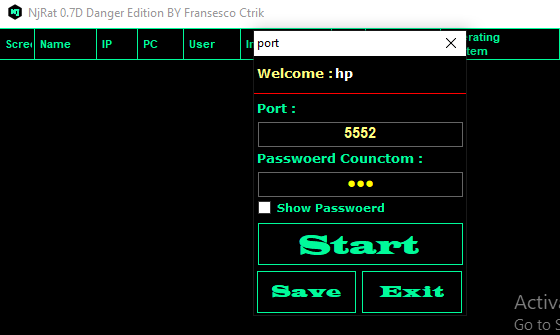
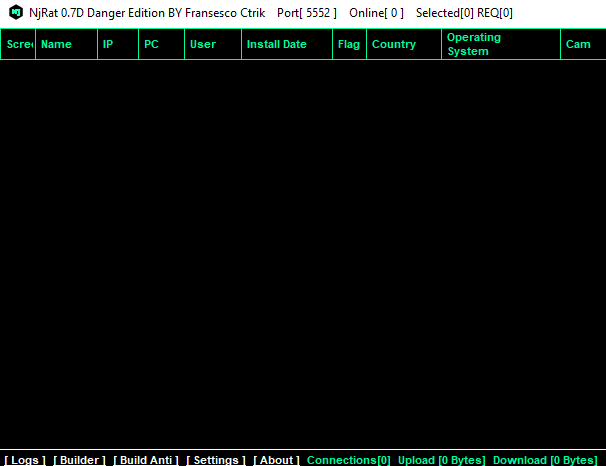
Hmm 😛 !! Everything seems like a lot of silence, no problem. Just click on the “builder” at the bottom left.
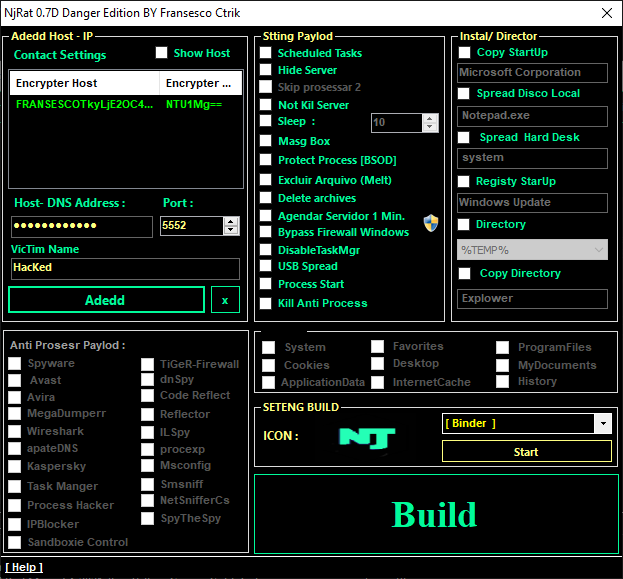
Ok 😛 !! Do not try to change anything other than adding a host address. After adding it, then click on build option
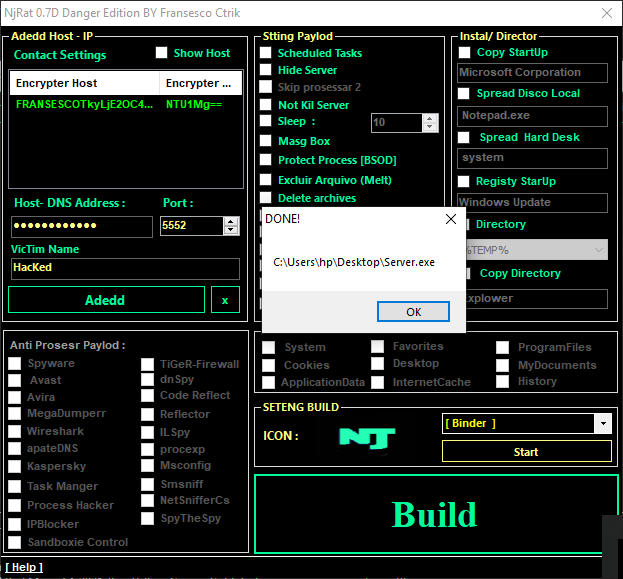
Great 😛 !! As you can see the malicious payload has been created. You need to share it to the victim
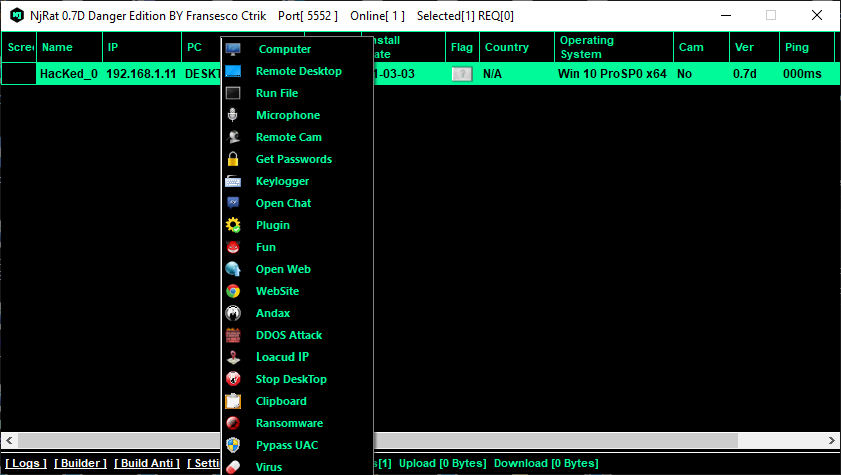
Nice 😛 !! When the victim tries to open this service you will get a session of the victim device. After getting the session, place your mouse over the session, right click on it and all the available options will open.
Quasar Golden Edition Rat
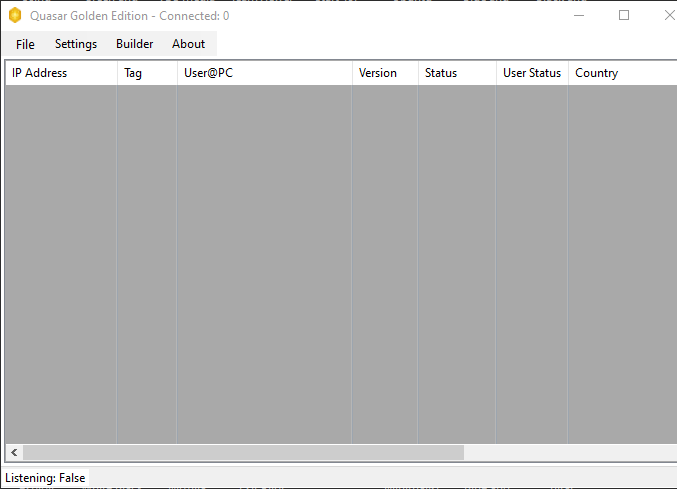
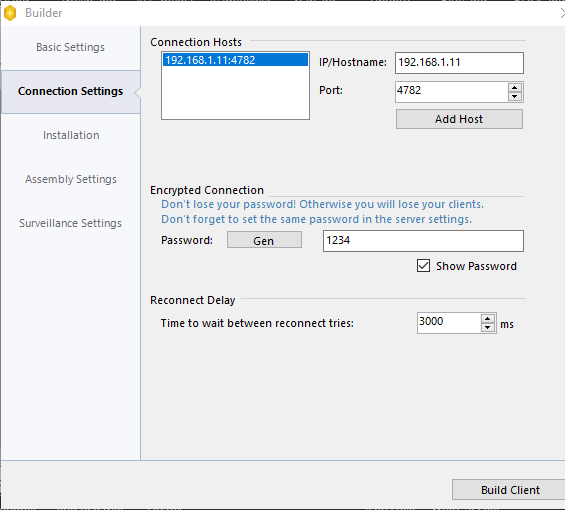
Here you just have to enter your host address and click on the “Build Client” button.
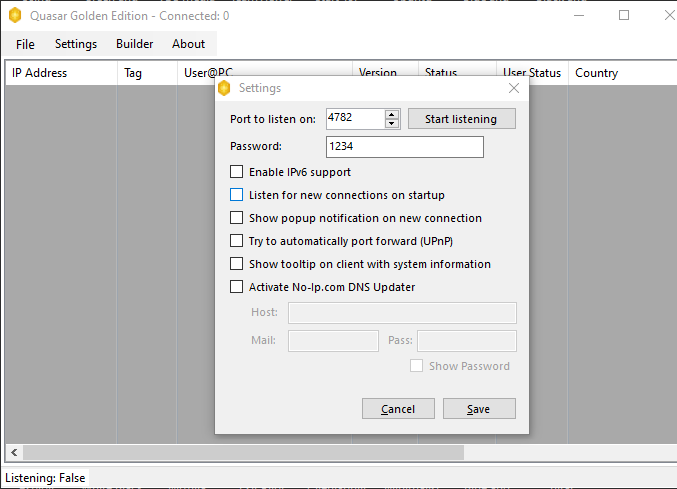
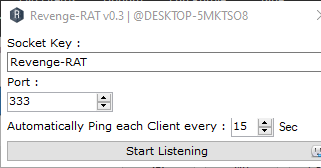
Ready 😛 !! Go the the settings and click on start listening.
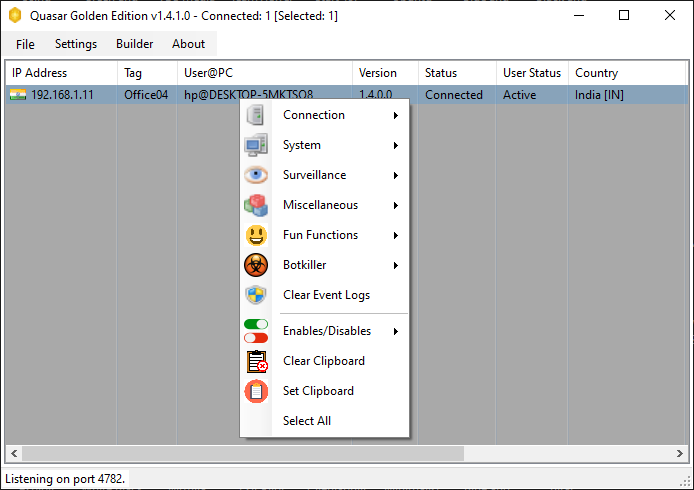
Revenge Rat
Revenge RAT is an simple and open source tool that automatically gathers system information. It is also a type of trojan that cyber criminals often use these tools for malicious purposes.
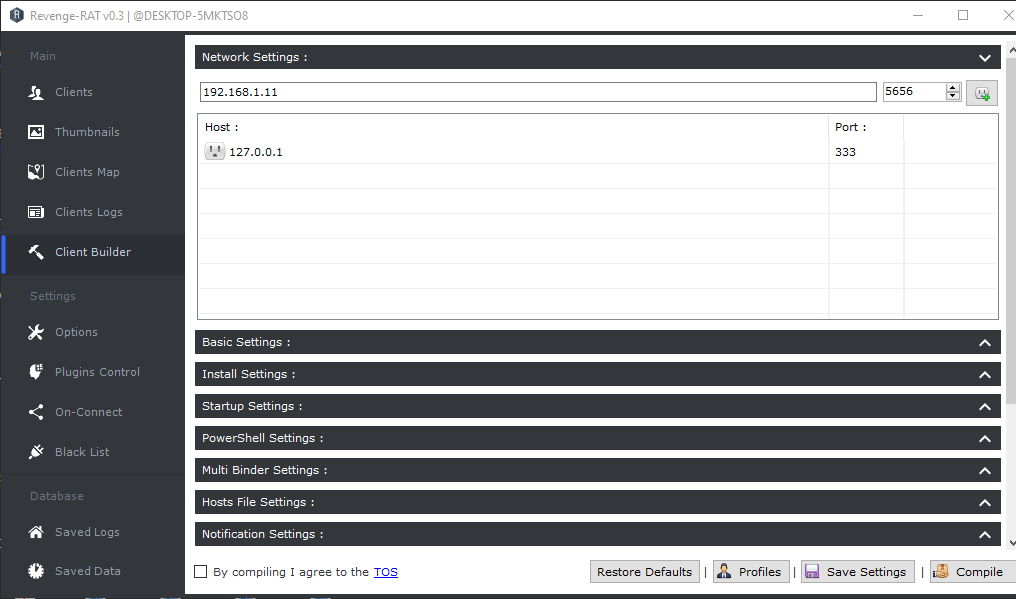
After that go directly to the client builder option, go to network settings and add host details.
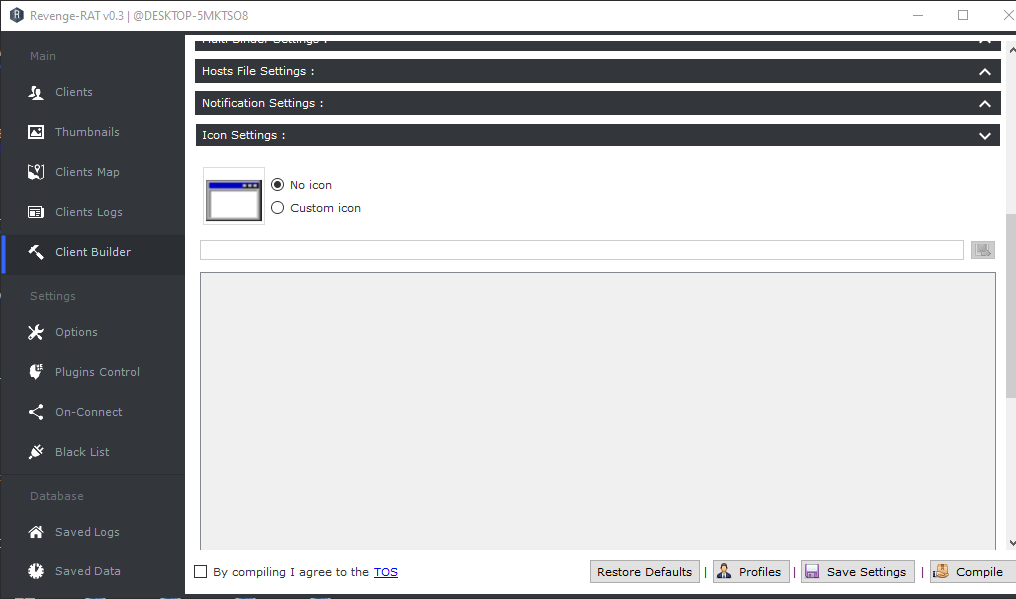
It also has another great feature to add any icon to the payload.
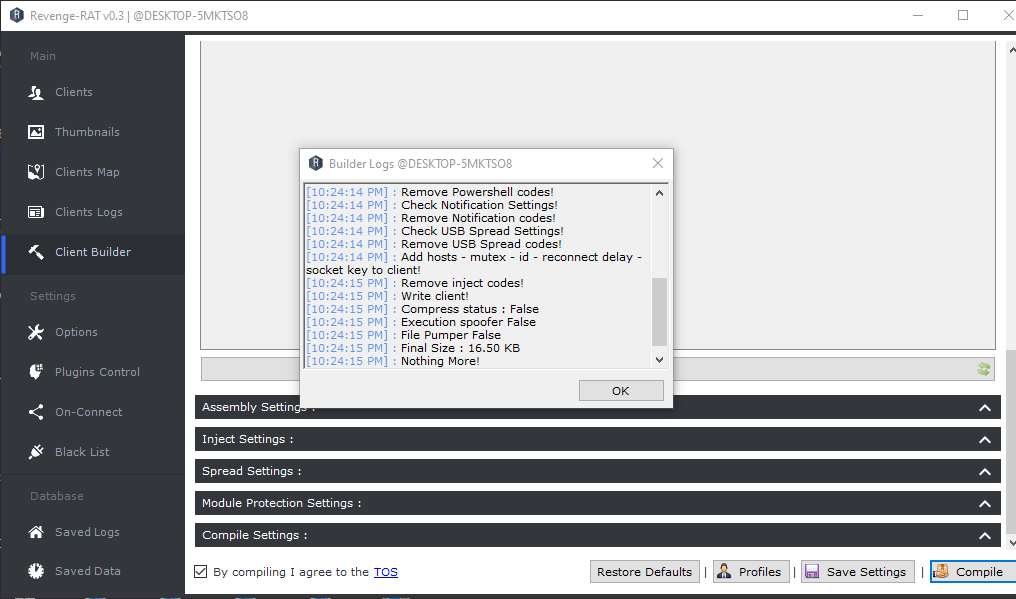
Ready 😛 !! Just click on the “compile” button to create a payload. Once the payload is created you must share it to the victim.
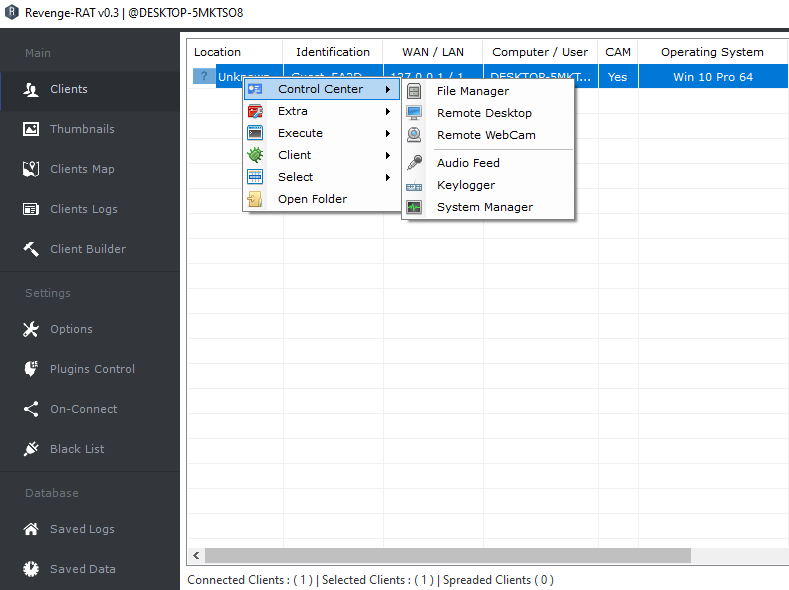
Amazing 😛 !! We get amazing interface in this tool to control the victim device.
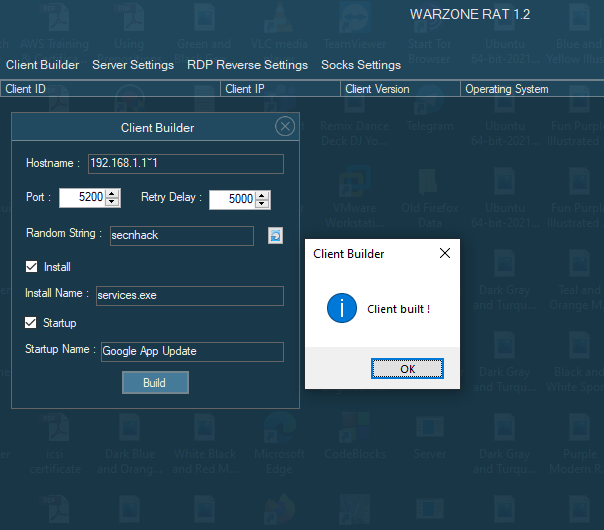
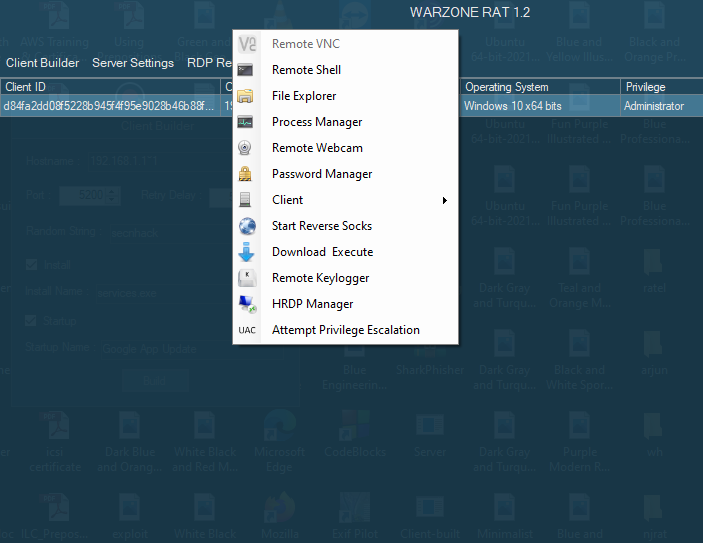
Warzone commercial RAT is for sale and has a monthly price structure for access to the license to operate it but warzone rat is now considered publicly available. After opening it, the first thing you need to do is to create client service. Just click on the client builder option, enter your host address and any random string, fill in the empty box and click on build.

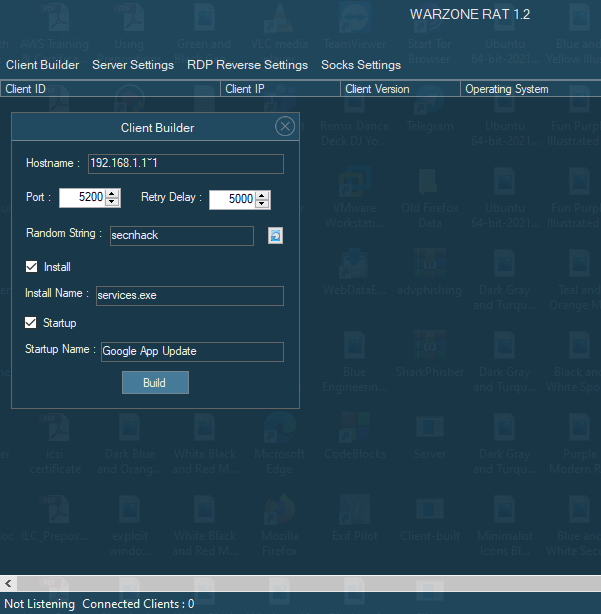
Alright 😛 !! We found a pop-up on the screen that mentioned “client built”. Now we need to wait till the victim clicks on that service.