

Jackson Godwin. Cybersecurity Analyst & Penetration Testing. Email info@jacksontecnology.com.ng
Disclaimer: This article is for educational purposes and authorized security testing only. The techniques described must only be applied to devices you own or have explicit written permission to test. Unauthorized access is illegal and unethical. The author assumes no liability for misuse.

In today's tutorial, we'll be setting up L3MON—a NodeJS-based Android management suite—on our Kali Linux system. While L3MON supports cloud deployment, we'll run it locally for this lab. This tool is widely used in red-team exercises because it can generate a fully undetectable (FUD) payload that, once installed on an Android device, grants the tester complete remote administrative control
Features of L3MON
- GPS Logging
- Microphone Recording
- View Contacts
- SMS Logs
- Send SMS
- Call Logs
- View Installed Apps
- View Stub Permissions
- Live Clipboard Logging
- Live Notification Logging
- View WiFi Networks (logs previously seen)Computer Security
- File Explorer & Downloader
- Command Queuing
- Built-In APK Builder
Let's get started! 😛
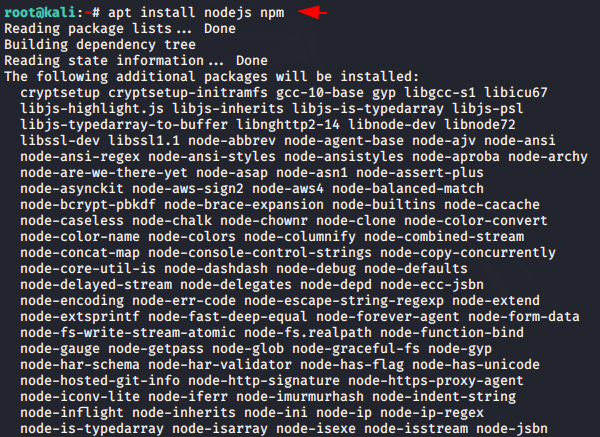
Step 1 – Install Node.js & NPM
L3MON is NodeJS-based, so Node.js and NPM are must-haves. We'll install both to handle the project dependencies and get everything up and running."

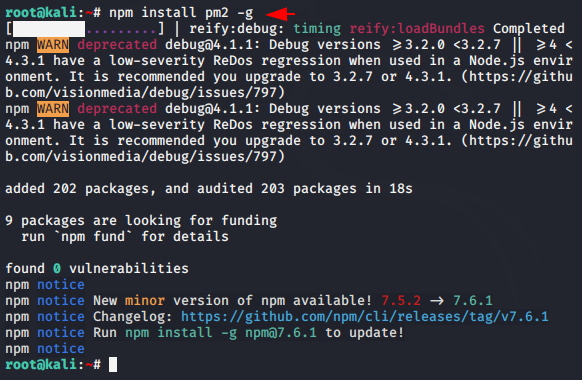
Install PM2
Basically pm2 allows us to handle application deployments and keep applications alive forever. So you need to install it by using the following command

Tool Installation
Download the entire tool from github with git command, go to the directory and then its server directory and execute the “npm” command

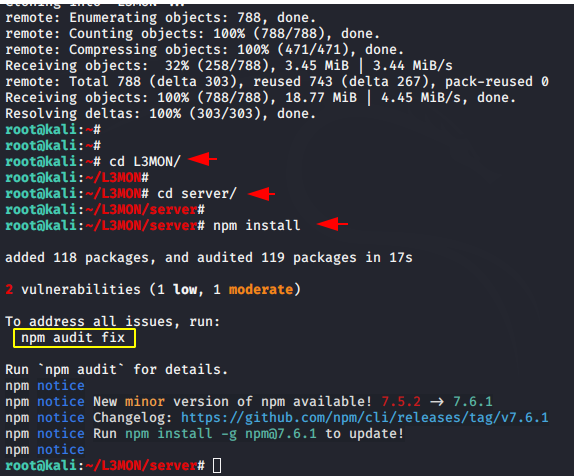
Opps 😛 !! After executing the command you will get an error which we have highlighted which you need to execute to fix the issues.

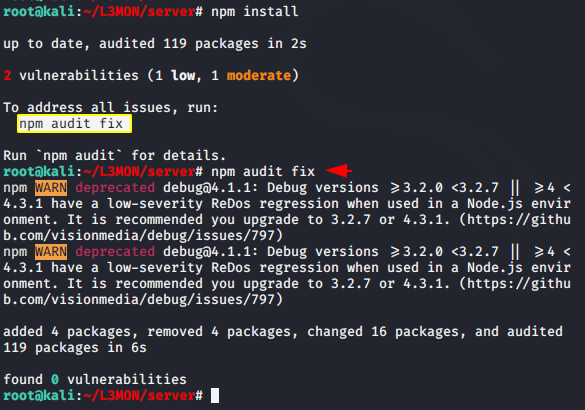
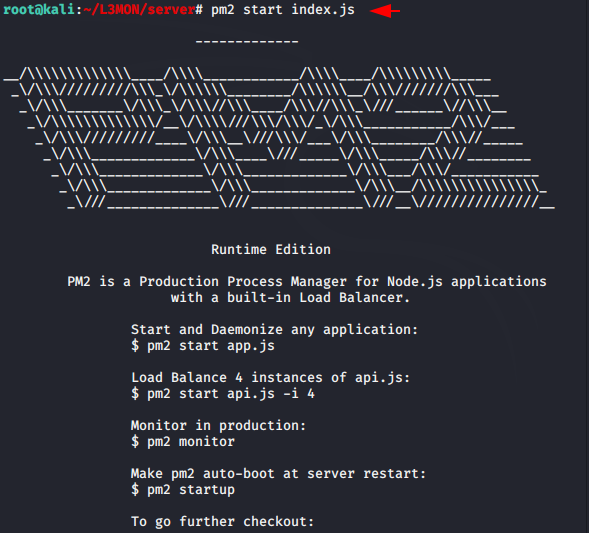
Now start and daemonize the application by using the following command

Make pm2 auto-boot at server restart by using the following command.
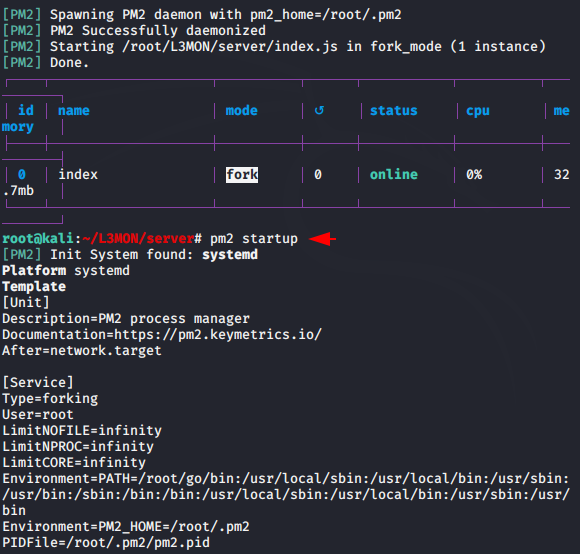
We followed all the above instructions to check if it worked. Everything is fine, So we need to shut it down again to do some required configuration in the server.


We need to change the password to MD5 hash encryption and put it in the configuration file to secure the admin panel. You can change the password according to the command below.
Usage 😛 !! echo -n “Your Password” | md5sum


Good 😛 !! Now here you can keep the username and password as per your choice but only add MD5 hash value to the password.
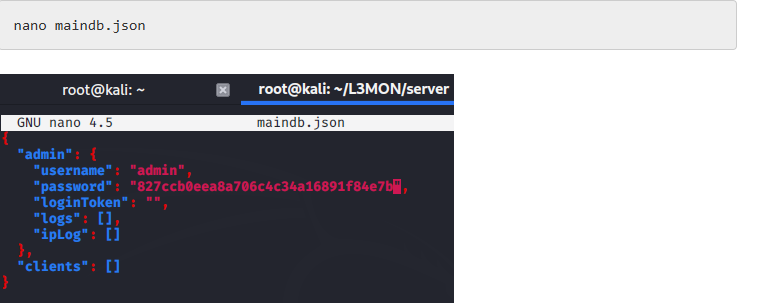
BOOT 😛 !! Everything is done and now we need to restart all the servers again.

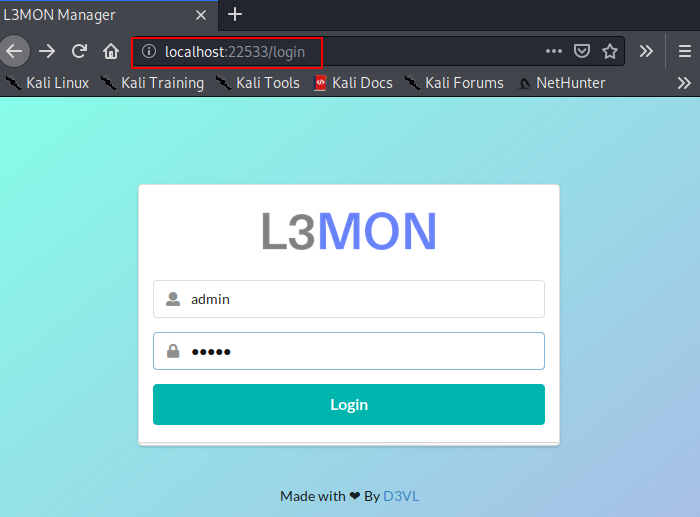
Nice 😛 !! In just one attempt we have successfully configured this tool on our localhost. Just use the following location, execute it on our browser, enter the username “admin” and password “12345″ and that’s it you will redirect to the admin panel.
APK Building
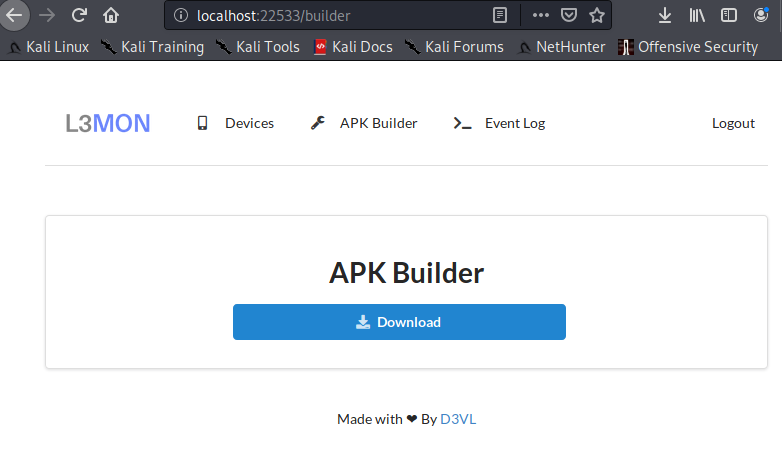
Without wasting time, just go to the APK Builder section and give the localhost IP address and enter the port according to you.

Good 😛 !! It only takes 10 to 20 seconds to create android trojan. Once the payload is created, just download it and share it to the victim as per you
FUD Payload
BOOM 😛 !! It is very important whether the payload is detectable or not ? But in this case our payload is completely undetectable as you can see in the image below
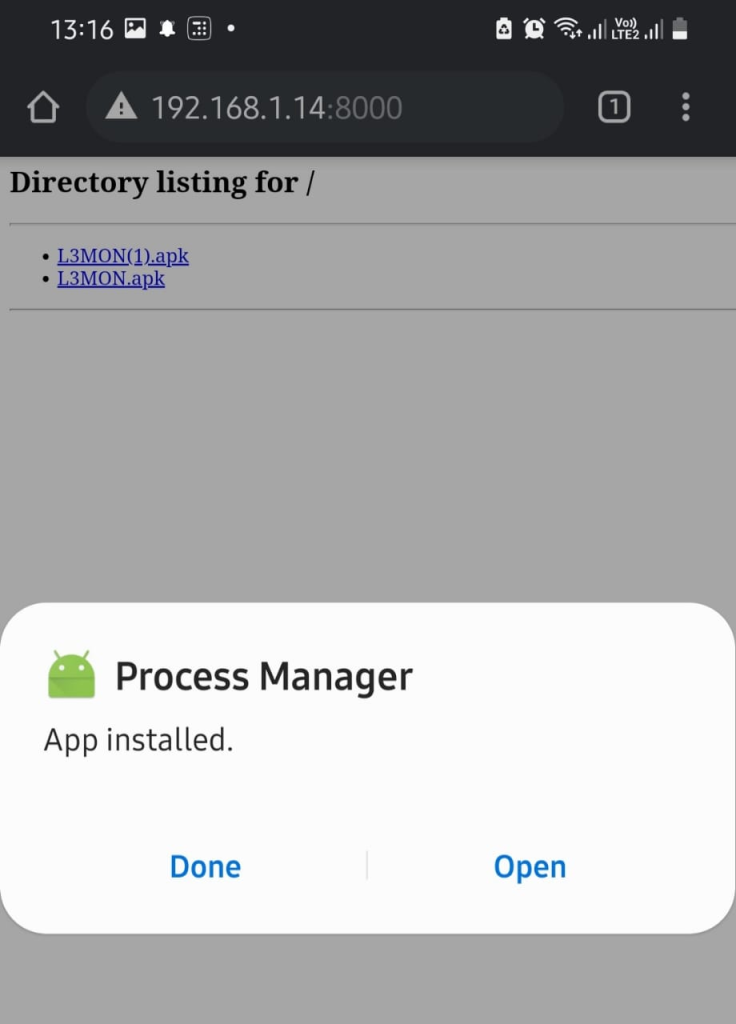
Great 😛 !! Once the victim has installed it and enabled the necessary permissions then you will get full access to the
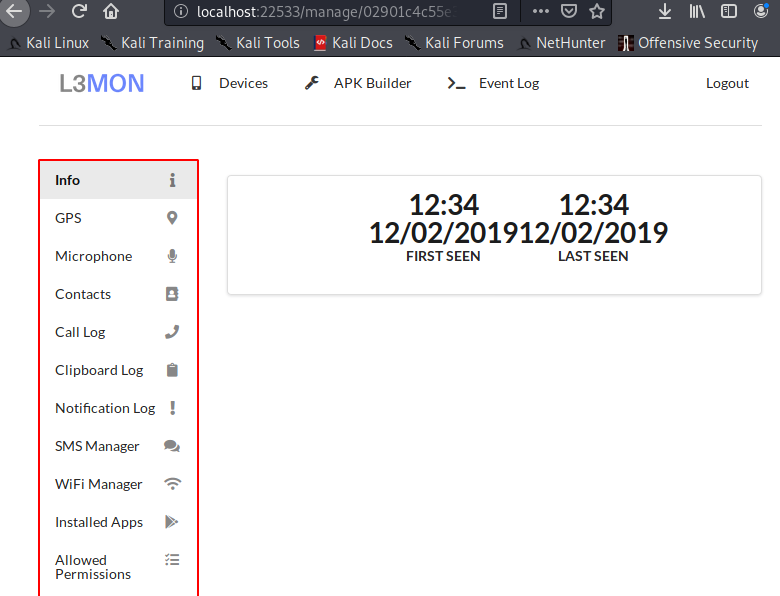
android phone. As you can see in the image below, we have got more information about the victim’s phone such as his IP address, device name and more.

Once you enter the manage button, you will get all these options to manage the victim phone
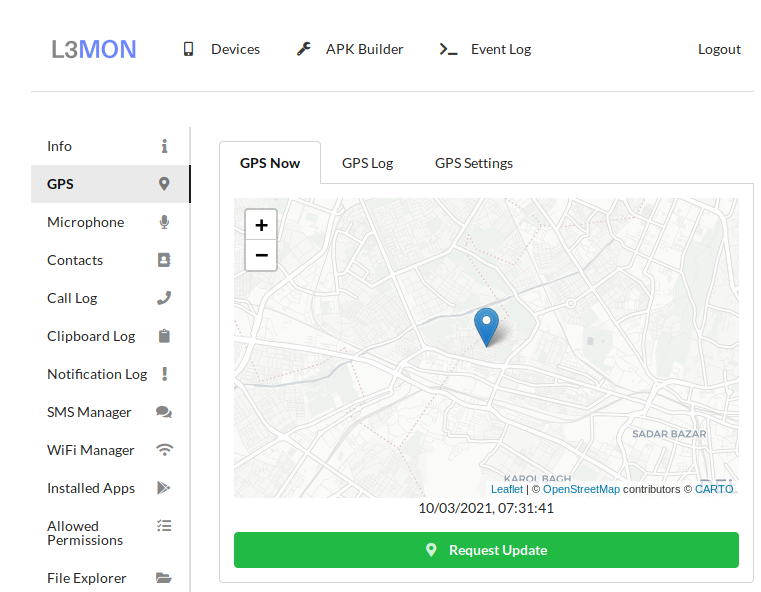
GPS Information
You can track the exact location of the victim mobile.
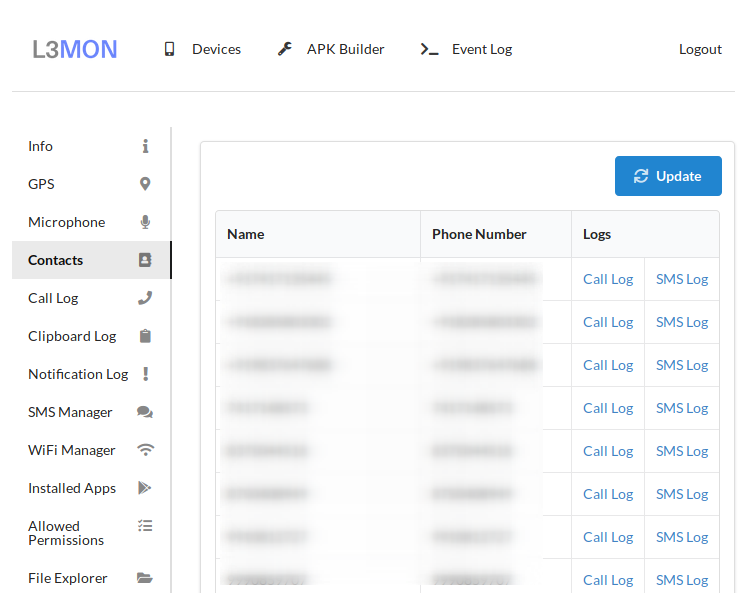
Contact Info
It has dumped all saved contacts on the victim mobile.
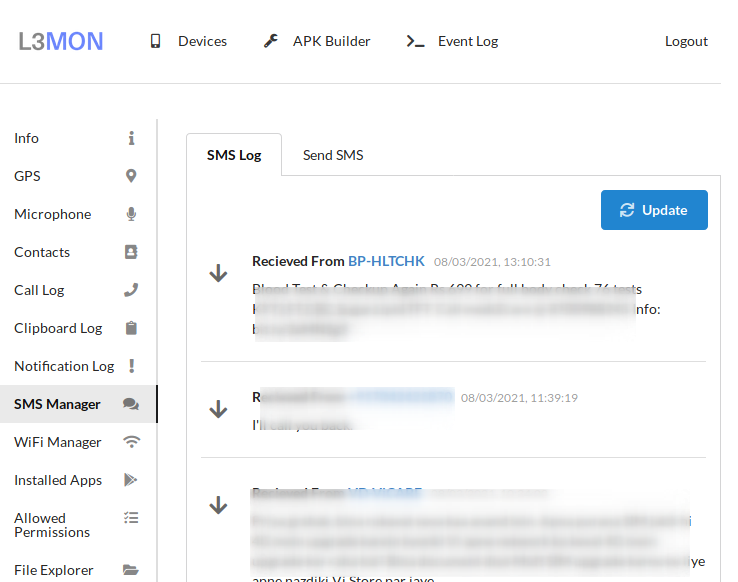
SMS Manager
Through this facility you can view all the messages as well as send the message to another person through the victim mobile
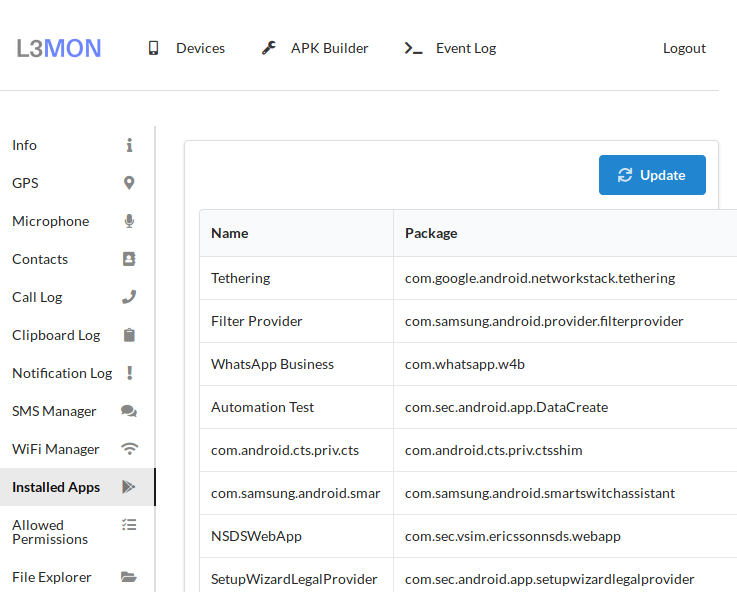
Installed Applications
You can also monitor what kind of applications are already installed into the victim’s mobile.
Software
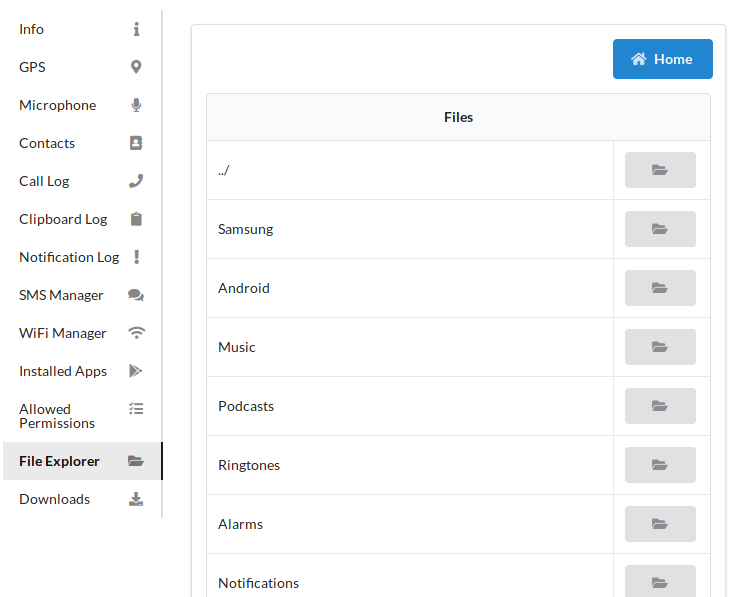
File Explorer
The main feature came at the end from where you can control the entire file manager of the victim mobile
It’s a truly Full Undetectable Payload (FUD) for the Android Operating System