By Jackson Godwin. Cybersecurity Analyst. Penetration Testing. Email info@jacksontechnology.com.ng
Hey Folks! In this tutorial, we’re diving into “instagram-tools” — a Node. JS-based toolkit designed for various Instagram account interactions. Below, you’ll find a complete list of its features. Note: This information is shared for educational purposes. Always comply with platform terms of service and use such tools only on accounts you own or have explicit permission to test.
Features
Follow Followers Target by Hashtag
Follow Followers Target by Location
Follow Followers Target by People – with DM
Follow Followers Target by People – No Like
Follow Followers Target by People – No Comment & Like
Repost Media Target by People
Repost Media Target by Hashtag
Repost Media Target by Link
Comment & Like Followers Target by People
Comment & Like Followers Target by Hashtag
Bom Like Target’s Post
Bom Comment Target’s Post
Unfollow Not Followback
Install Node JS
As we told you, the tool is coded in node JS that’s why we have to install nodejs tool by using the following command.
Installation
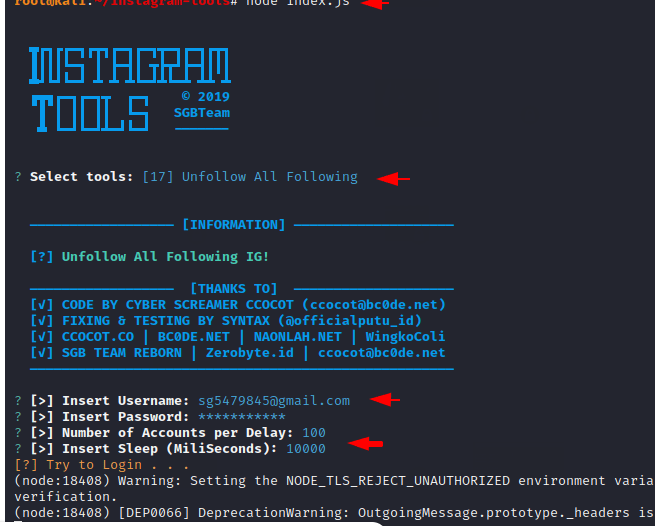
Now we will select option 17 to unfollow all the followers. After that, we will enter the credentials of our account and wait for the results.
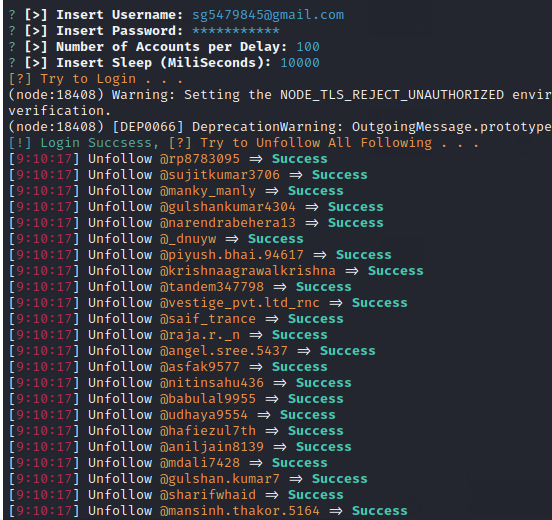
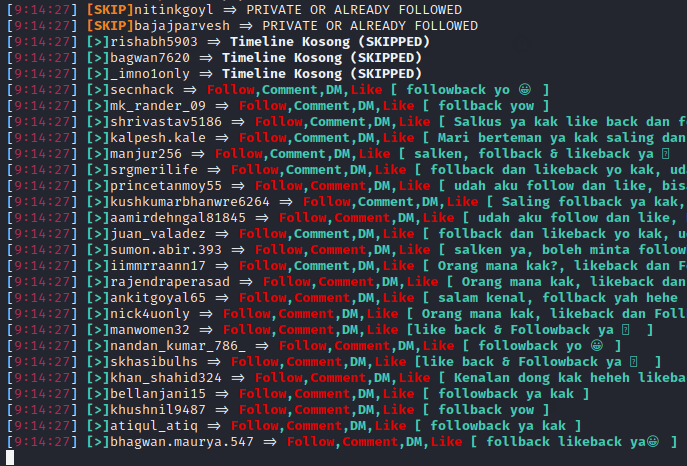
Similarly, you can also see the results of success or failure through the terminal.
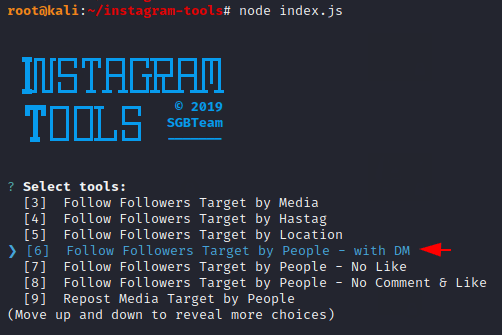
After selecting the following option, it will only direct let you send messages) Request the people to return back and follow their account by DM and through which attackers gain more followers.
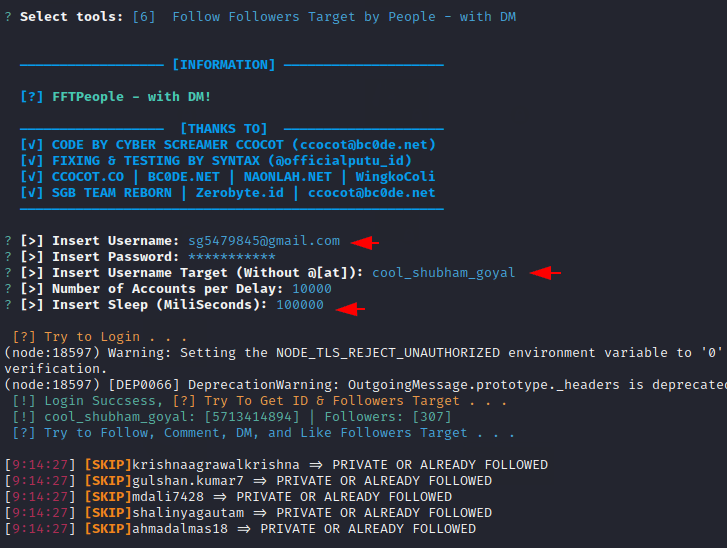
After that, we need to give our account credentials so that we can increase followers.
Done 😀 !! As you can clearly see, the tool has started commenting and DMing on people’s posts. This will definitely take some time, but we are sure that your followers will grow over time.