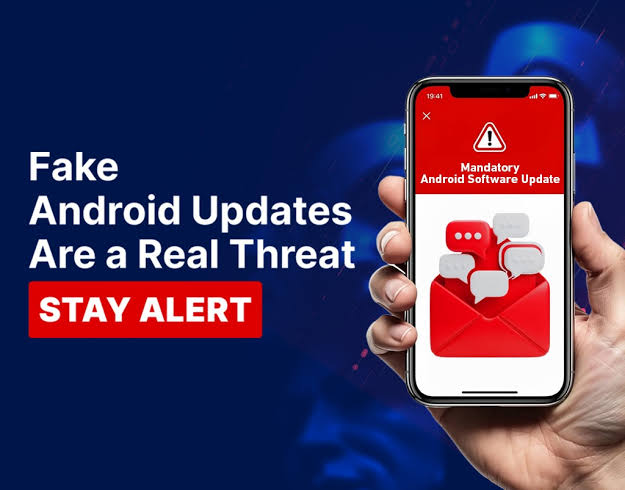
The Fake Android Update That Almost Compromised My Phone (Part 1)
July 29, 2026
Com 0
By Jackson Godwin. Cybersecurity Analyst & Penetration Tester.
The Fake Android Update That Almost Compromised My Phone
Disclaimer:This story is fictional but inspired by real fake software update scams targeting Android users. It is written to educate readers about mobile security, fake update notifications and phishing attacks.
My Phone Suddenly Displayed a Security Warning
I wasn’t browsing anything unusual.
I was simply reading an article on my Android phone when a full-screen message appeared.
It looked official.
The notification claimed:
Critical Android Security Update Required
Below the message was a warning.
Your device may be at risk. Install the latest security update immediately.
There was a large green button.
Update Now
At first glance, it looked completely genuine.
The Timing Made It Believable
Only a few days earlier, I had read about new Android security updates.
So seeing an update notification didn’t seem strange.
The message even included:
An Android logo.
A progress bar.
Security icons.
Technical wording.
It looked exactly like something a real operating system might display.
Then the Countdown Started
A timer appeared on the screen.
It began counting down from five minutes.
The message warned:
Failure to update may expose your phone to viruses and data theft.
That countdown created pressure.
It encouraged me to act before thinking.
For a few seconds, I considered pressing the button.
Something Didn’t Feel Right
Then I noticed something unusual.
The notification had appeared inside my web browser.
Not in my phone’s system settings.
That small detail immediately made me pause.
Real Android system updates are normally managed through your device’s operating system or your manufacturer’s update service—not through a random web page.
I Closed the Browser Instead
Instead of pressing Update Now, I closed the browser tab.
Then I opened my phone’s settings.
I checked:
Settings → Software Update
There were no pending updates.
My phone was already running the latest available security patch.
The urgent warning had been completely fake.
The Website Was Pretending to Be Android
I reopened the browser carefully to inspect the page.
The website used:
Android colours.
Official-looking icons.
Technical language.
Security warnings.
It even displayed messages claiming my phone had been scanned.
But websites generally cannot perform a full security scan of your Android device in the way the page suggested.
The page was relying on appearance rather than genuine system information.
The Goal Wasn’t the Update
The fake notification wasn’t trying to protect my phone.
It wanted me to download something.
If I had pressed the button, I might have been redirected to download software from an untrusted source.
Whether that software was malware, unwanted applications or another type of scam would have depended on the attackers’ objectives.
Fortunately, I never found out.
One Small Observation Saved Me
The fake update looked convincing.
The countdown created urgency.
The design copied Android’s appearance almost perfectly.
But one simple observation changed everything.
The update appeared inside my browser—not inside Android itself.
That single detail stopped me from trusting the message.
(Continue in Part 2, where I’ll explain how fake Android update scams work, reveal the warning signs I almost missed, and show how criminals use fear to trick people into installing untrusted software.)