



By Jackson Godwin. Cybersecurity Analyst & Penetration Tester
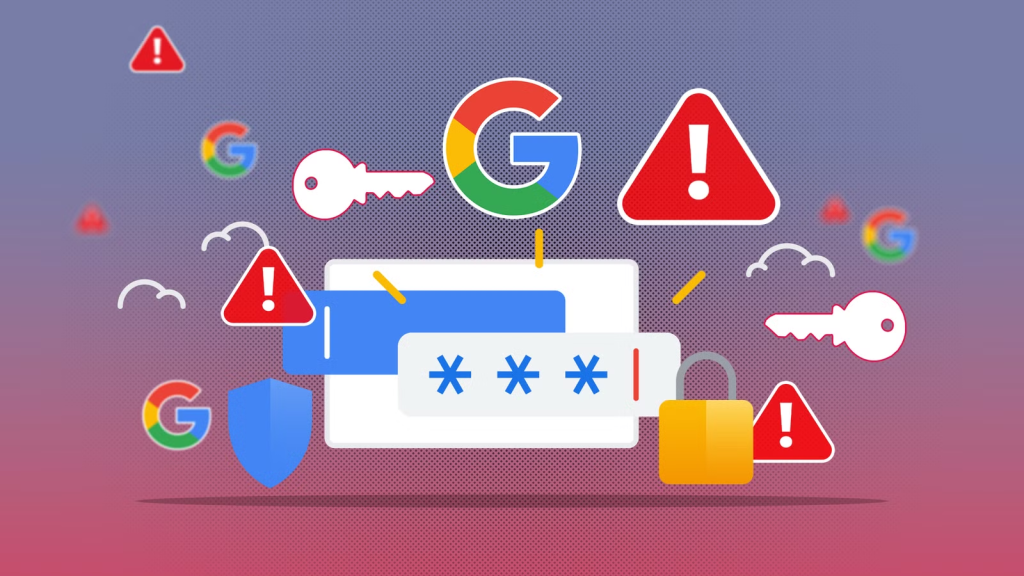
The Password Mistakes I Discovered During My Audit
Once I started reviewing my online accounts, I realized the browser wasn’t my biggest problem.
I was.
The more accounts I checked, the more security mistakes I found.
Some were small.
Others could have created serious problems if they had gone unnoticed.
The experience reminded me that cybersecurity isn’t just about having good tools.
It’s about developing good habits.
Here are the biggest mistakes I discovered.
Mistake #1 – I Had Forgotten About Old Online Accounts
Over the years, I had signed up for countless websites.
Technology forums.
Shopping websites.
Streaming services.
Cloud storage platforms.
Free software downloads.
Training websites.
Some of those accounts hadn’t been used in years.
Yet they still existed.
And many of them still contained my email address.
Old online accounts are often forgotten.
Unfortunately, attackers don’t forget them.
If one of those websites experiences a data breach, your information could become exposed without you even realizing it.
That is why reviewing old accounts from time to time is a good cybersecurity habit.
If you no longer need an account, consider deleting it where practical.
The fewer online accounts you maintain, the smaller your digital footprint becomes.
Mistake #2 – Some Passwords Were Too Similar
I wasn’t using the same password everywhere.
But I noticed something else.
Some passwords followed almost the same pattern.
For example:
- Password2024!
- Password2025!
- Password2026!
Changing only one or two characters doesn’t provide as much protection as many people think.
If attackers discover one password, they often try similar variations.
That was enough for me to completely rethink my password strategy.
Every important account deserved its own unique password.
Mistake #3 – I Was Depending Too Much on Memory
For years, I believed I could remember dozens of passwords.
Eventually that became impossible.
The result?
I started creating passwords that were easier to remember.
Unfortunately…
Easy-to-remember passwords are often easier to guess.
That was the moment I decided to stop relying entirely on memory.
What I Use Instead
Instead of depending only on my browser, I now use a dedicated password manager.
A password manager securely stores your login credentials and can generate long, unique passwords for every account.
That means you don’t have to memorize dozens of different passwords.
You only need to remember the strong master password that protects your password manager.
Many reputable password managers also help you:
- Generate strong passwords.
- Organize your accounts.
- Identify weak or reused passwords.
- Alert you if credentials appear in known data breaches.
Browser password managers remain a useful option for many people, especially if they encourage the use of stronger passwords.
However, for users with many online accounts, a dedicated password manager often provides additional features and greater flexibility.
Good Password Hygiene Matters
Cybersecurity professionals often talk about password hygiene.
But what does that actually mean?
Password hygiene simply means developing healthy habits for managing your passwords.
Good password hygiene includes:
- Using a unique password for every important account.
- Avoiding predictable words and personal information.
- Updating passwords if you believe they may have been exposed.
- Enabling Multi-Factor Authentication wherever available.
- Reviewing your online accounts periodically.
Just as good personal hygiene reduces the risk of illness, good password hygiene reduces the risk of unauthorized account access.
Why Password Reuse Is So Dangerous
Imagine you use the same password for:
- Gmail
- Netflix
- Amazon
Now imagine one small shopping website suffers a data breach.
Attackers may obtain your email address and password from that breach.
The next thing they often do is try the same combination on popular services.
This technique—known as credential stuffing—works because many people reuse passwords across multiple accounts.
One password can unlock much more than one website.
That’s why unique passwords are so important.
Multi-Factor Authentication Is Still Essential
Even the strongest password has limits.
If someone somehow learns your password through phishing, malware, or another attack, your account could still be at risk.
That’s why I enabled Multi-Factor Authentication (MFA) on every important account I own.
MFA requires an additional verification step before someone can access your account.
It adds another layer of protection beyond your password.
For me, enabling MFA was one of the biggest improvements I made after completing my password audit.
My New Password Routine
Today, my routine is much simpler than it used to be.
Whenever I create a new online account, I ask myself three questions:
Does this account really need to exist?
Am I using a unique password?
Have I enabled Multi-Factor Authentication?
Those three questions now guide every new account I create.
And they’ve significantly improved my overall online security.
By the time I finished reviewing my passwords, I realized something important.
The goal isn’t to stop using technology.
The goal is to use it wisely.
Convenience is valuable.
But convenience should never replace good cybersecurity habits.
Related Posts:




Related Posts: